 Editorify
The nine Shopify review apps on this list are Editorify, Loox, Appio Amazon Reviews, Debutify Product Reviews & QA, Junip, Revie, LAI Product Reviews, Judge.me and Vitals. Some collect reviews from your own customers, some import reviews from other sites, and some bundle reviews with other marketing tools. Below is what each one focuses on, and what to weigh when you choose.
Disclosure: this blog is published by Editorify, the first app on the list. The descriptions of the other eight apps are based on their public Shopify App Store listings as of September 2026. Prices and features change, so check each app’s current listing before you decide.
Customer reviews are digital word-of-mouth. They influence purchases, shape how shoppers see a brand, and help a new store look trustworthy. Review apps on Shopify make it easier to gather that feedback and display it where it counts, on your product pages.
Why Reviews Matter for Shopify Stores
Shoppers read reviews before they buy. A survey by BrightLocal found that 87% of consumers read online reviews for local businesses in 2020. Online, where a shopper cannot hold the product, reviews fill the gap: they give an outside view of quality and fit, and often tip the decision.

Reviews also build a brand’s reputation. Research by the Spiegel Research Center found that a product with five reviews was 270% more likely to be purchased than a product with none. Positive reviews show that customers are satisfied, and a negative review that gets a helpful reply shows that you look after your customers.
Reviews can help search visibility too. They add fresh text to your product pages, often in the same words shoppers type into search engines, and star ratings can appear in search results when the page carries review rich snippets.
1. Editorify: Import and Collect Product Reviews
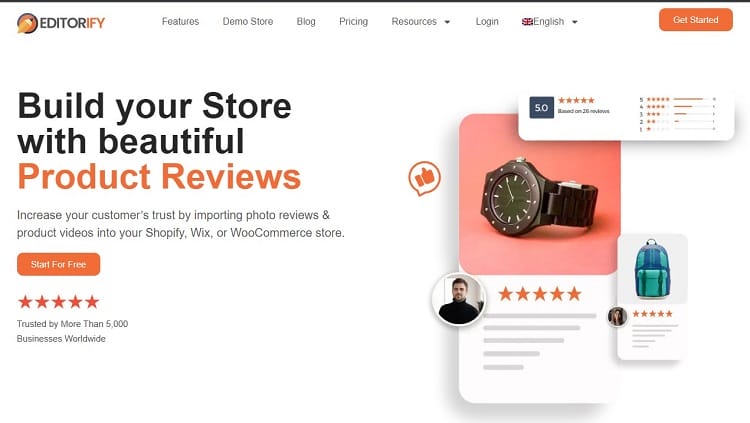
Editorify imports product reviews, photos and videos from your suppliers’ product pages and displays them in your store, next to the reviews your own customers write with its write-a-review form. It works on Shopify, Wix, WooCommerce (through a WordPress plugin) and BigCommerce.
What Editorify does
- Imports from 9 marketplaces: AliExpress, Alibaba, Etsy, DHgate, Wish, Banggood, Walmart, 1688 and Taobao. You import with the Editorify Chrome extension on the supplier’s product page: select the reviews, then import. Videos can also come from YouTube and Vimeo (on Wix, video import needs the Gold or Diamond plan).
- Filters what you import: a star filter and a keyword blacklist hide reviews that mention words you choose, such as the supplier’s name or a competitor’s.
- Collects your own reviews: customers can leave reviews on your product pages, and you choose whether new reviews are approved automatically or manually.
- Matches your store’s design: you set the stars, colours, list or grid layout and every text of the widget.
Editorify plans
- Free: 50 reviews per store, up to 3 per product, from AliExpress only; text reviews without photo or video import, with a small “Powered by Editorify” badge.
- Premium, $9.95/month: unlimited imports from all 9 marketplaces, photo and video import, full design customisation, keyword blacklist and star filter, no badge.
- Gold, $14.95/month: everything in Premium, plus a homepage reviews carousel, a showcase page and Google review rich snippets.
- Diamond, $24.95/month: everything in Gold, plus automated review request emails (up to 1,000 a month) and the store average rating widget.
Yearly billing is 20% cheaper. There is no free trial; the Free plan takes its place. Paid plans include 24/7 support. You can see the plans on the Editorify pricing page and the Shopify App Store listing.
2. Loox Product Reviews

Loox is a review app built around visual reviews: it collects reviews from your customers with a focus on photos and videos. Its App Store listing describes it as “visual product reviews, superpowered by AI”. Check the listing for current plans and pricing.
3. Appio Amazon Reviews
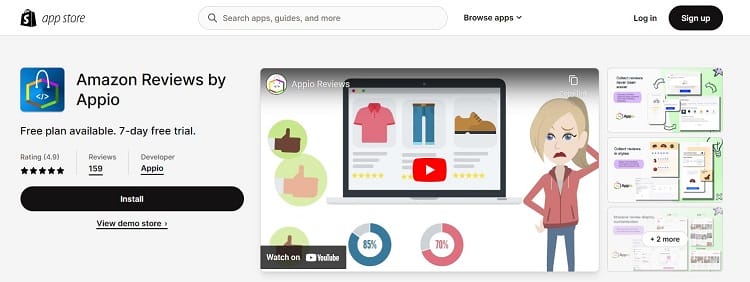
Appio is a review app for collecting and displaying product reviews, with a focus on reviews from large marketplaces. See its App Store listing for the sources it currently supports, its features and its pricing.
4. Debutify Product Reviews & QA
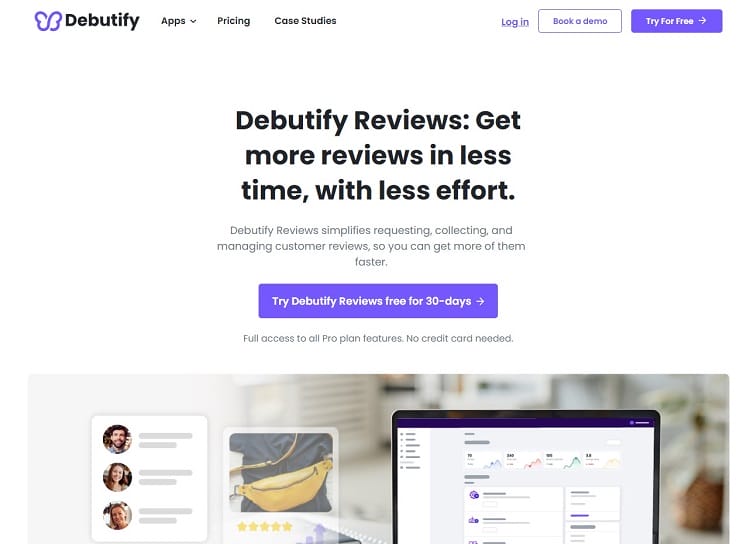
Debutify Product Reviews & QA combines product reviews with a question-and-answer section, so shoppers can ask about a product on its page. Its listing highlights photo and video reviews collected through personalised email requests. Check the listing for current pricing.
5. Junip Product Reviews
Junip collects product reviews from your customers, and its listing emphasises unlimited review requests. Check the listing for current plans and pricing.
6. Revie: Reviews & Marketing
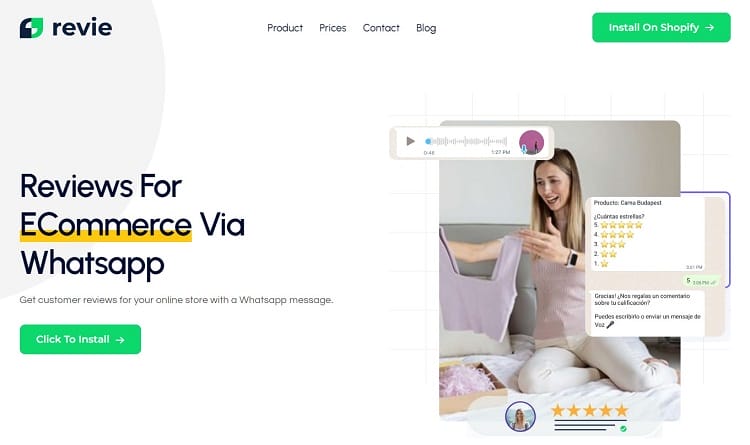
Revie collects reviews through WhatsApp, a channel many customers already use every day, and adds marketing campaigns on top. Check its listing for current pricing and supported languages.
7. LAI Product Reviews
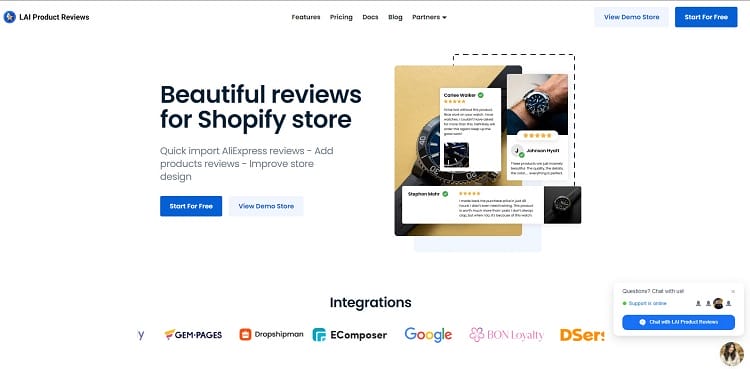
LAI Product Reviews displays product reviews, photos and testimonials on your store. See its listing for its current features and pricing.
8. Judge.me Product Reviews
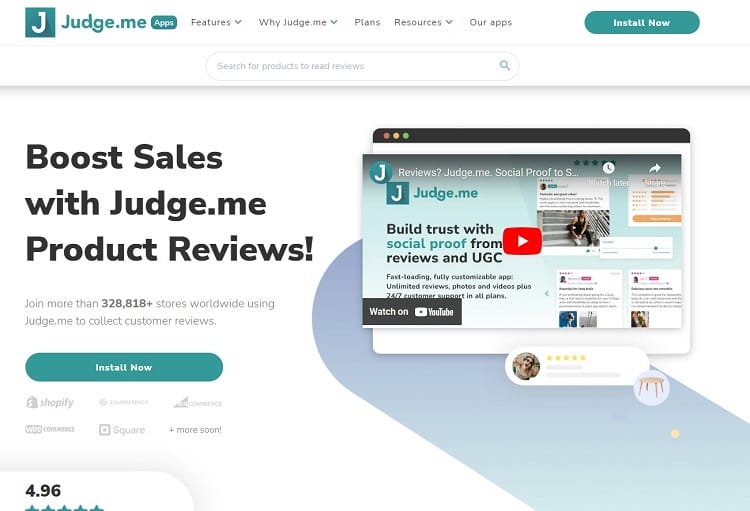
Judge.me collects product reviews, star ratings and testimonials from your customers. Check its listing for current plans and pricing.
9. Vitals: Reviews, Bundles & 40+
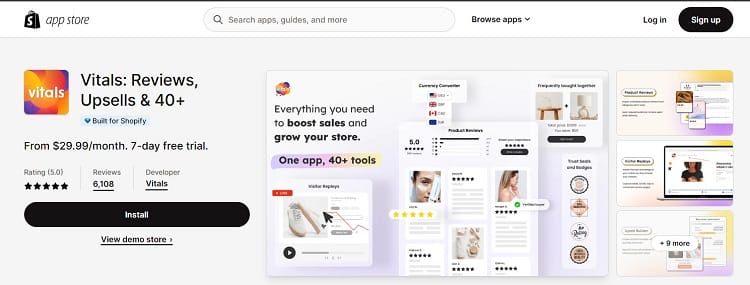
Vitals is an all-in-one app: product reviews come as one tool in a bundle of marketing tools, alongside bundles and other features. It suits stores that want one subscription instead of several apps. Check its listing for current plans and pricing.
Choosing the Right Review App for Your Shopify Store
Start with where your reviews will come from. If your products are new and you source them from marketplaces such as AliExpress, an app that imports supplier reviews gives your pages social proof from day one. If you already have steady sales, an app that asks your customers for reviews is the priority. Many stores need both.
Factors to Consider When Selecting a Review App
- Compatibility with your store’s theme: the widget should fit your Shopify theme without breaking the layout.
- Customisation options: you should be able to match colours, stars and texts to your brand.
- Review moderation: look for approval settings and filters, so only relevant reviews appear.
- Mobile display: many shoppers browse on their phones, so check the widget on a small screen.
- Customer support: check what support each plan includes.
Balancing Features with Ease of Use and Cost
- List the features you need: for example photo reviews, review imports, automated review requests or rich snippets.
- Try the interface: you and your customers should find it easy to use.
- Compare the cost: weigh the current price of each plan against the features you will actually use, and how it scales as your store grows.
Tips for Integrating and Maximizing the App’s Potential
- Place reviews where they influence decisions, such as near the product description.
- Ask customers for reviews, for example with post-purchase emails.
- Reply to reviews, positive and negative, to show that you value feedback.
- Use reviews in your marketing as social proof.
- Watch the results: track how reviews affect sales and adjust.

FAQ: Common Questions About Shopify Review Apps
What Makes a Good Shopify Review App?
A good review app supports photo and video reviews, lets you collect or import reviews, and gives you widgets you can customise to your store’s design. It should be easy for both you and your customers to use, and come with reliable support.
How Do Review Apps Impact SEO and Store Visibility?
Reviews add fresh, relevant text to product pages, often in the words shoppers search for. Apps that add review rich snippets can also help star ratings appear in search results.
Can Review Apps Integrate with Social Media Platforms?
Many review apps can share reviews to social media or connect with marketing tools. Check each app’s listing for the integrations it offers today.
What Are the Costs Associated With These Apps?
Costs vary: many apps have a free plan and monthly paid plans, and some offer yearly billing. Prices change, so check each app’s current App Store listing.
How Do Review Apps Handle Negative Reviews?
Most review apps let you moderate reviews and reply to them. A clear, helpful reply to a negative review shows future shoppers that you take service seriously.
Are There Any Legal Considerations with Using Review Apps?
Follow the review rules of the places where you sell and advertise, make sure reviews are genuine and not misleading, and disclose incentivised reviews. Handle customer data in line with privacy laws such as the GDPR.
How User-Friendly Are These Review Apps for Customers?
Leaving a review should take a customer a minute: a star rating, a short text and an optional photo, on a form that works well on mobile.

Conclusion
The nine Shopify review apps above take different routes to the same goal, turning customer feedback into trust. Editorify focuses on importing reviews, photos and videos from the 9 marketplaces it supports and on collecting your customers’ own reviews; the others focus on review requests, visual reviews, WhatsApp, or a bundle of marketing tools.
Pick the app that matches where your reviews come from and what you can spend, and check each listing for current pricing. To see what Editorify can do for your store, visit the Editorify website or its plans and pricing.