 Editorify
How to login to my Wix store Editorify account?
To login to your Wix online store Editorify account, please follow the guide below:
Make sure Editorify is installed on your Wix store.
If you haven't installed Editorify yet, please follow this guide
After installing the Editorify app, navigate to your Store Manage apps section:
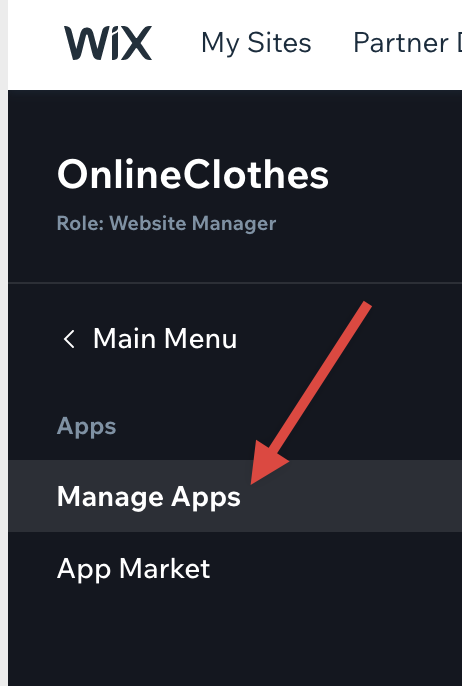
3. Locate the Editorify app on the apps list and click on it:

You will be redirected to your Editorify dashboard.
If you have any issues, please contact us here
Still stuck? Contact support or email support@editorify.com.