 Editorify
How to import Reviews and Videos from Aliexpress to your Wix store
On this page
Editorify imports AliExpress reviews into your Wix store with its Chrome extension. Text reviews work on the Free plan (50 per store, up to 3 per product), and review photos need Premium ($9.95/month) or higher. AliExpress product videos import to Wix on the Gold or Diamond plan.
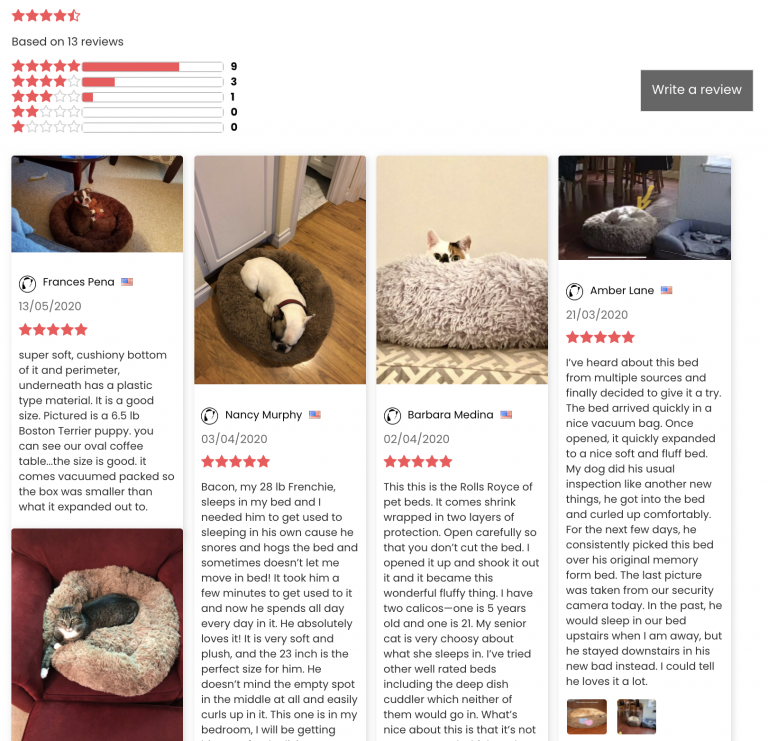
What imports to Wix
Review text, star rating, reviewer name and date: every plan, including Free.
Photos attached to reviews: Premium and higher.
Product and review videos: Gold and Diamond.
Before you begin
Make sure the Wix Stores app is installed on your site, then add Editorify:
In the Wix Editor, click App Market
 on the left side of the Editor.
Type "Editorify" in the search bar and select it.
Click Add to Site, then Add.
The full walkthrough is in how to install Editorify on your Wix store.
Import AliExpress reviews
Install the Editorify Chrome extension.
Open the AliExpress product page with the reviews you want.
Click the Editorify icon in the Chrome toolbar.
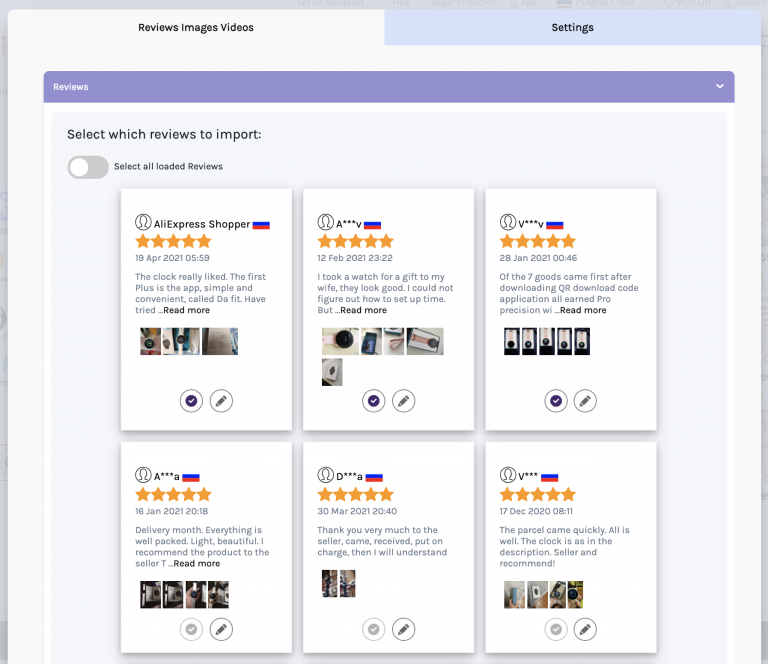
Select the reviews you want to import.
Choose the Wix product and click "Import now".
Import the product video (Gold or Diamond)
On Gold or Diamond, you can also select the AliExpress product video in the extension and import it to your Wix product. See how to import videos to your store.
Tips
AliExpress reviews come in many languages; right-click the page and choose Chrome's "Translate to English" first. Reviews cannot be edited after import, only hidden or deleted, so check them before you click import.
FAQ
Can I import AliExpress videos to Wix?
Yes, on the Gold or Diamond plan. On Wix, Premium covers reviews and photos but not videos.
Reviews imported but I cannot see them.
Still stuck? Contact support or email support@editorify.com.