 Editorify
How to import videos to your Store?
On this page
To import a product video to your Shopify, Wix, WooCommerce or BigCommerce store, open the supplier's product page, click the Editorify Chrome extension icon, select the video and import it to your product. Video import needs Premium ($9.95/month) or higher; on Wix it needs Gold or Diamond. Videos can come from supported marketplaces, YouTube and Vimeo.
Where videos can come from
Supplier marketplaces. Video guides exist for AliExpress, Alibaba, DHgate, Banggood, Walmart and Taobao (links below).
YouTube and Vimeo. You can also add a product video from YouTube or Vimeo.
Import a video from a supplier page
The steps below use AliExpress. They are the same on the other marketplaces.
Install the Editorify Chrome extension.
Open the AliExpress product page you want to import the video from.
Click the Editorify icon.
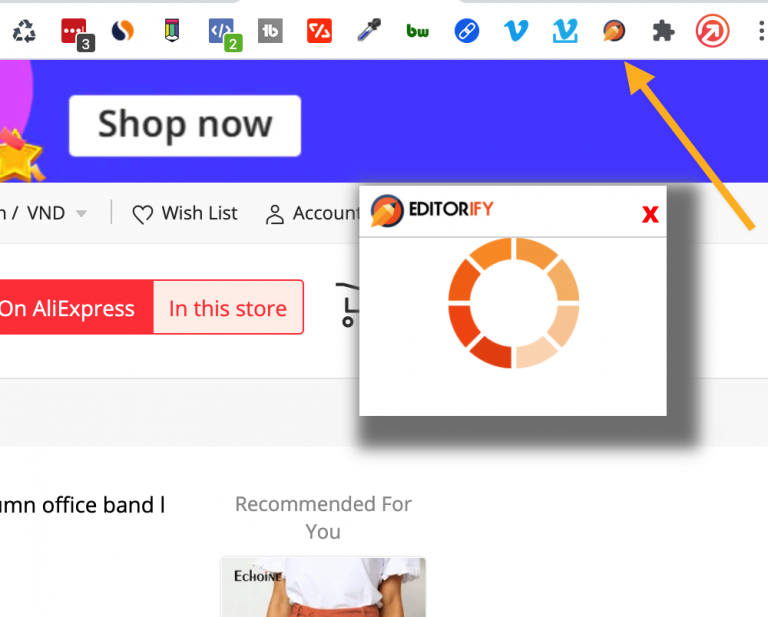
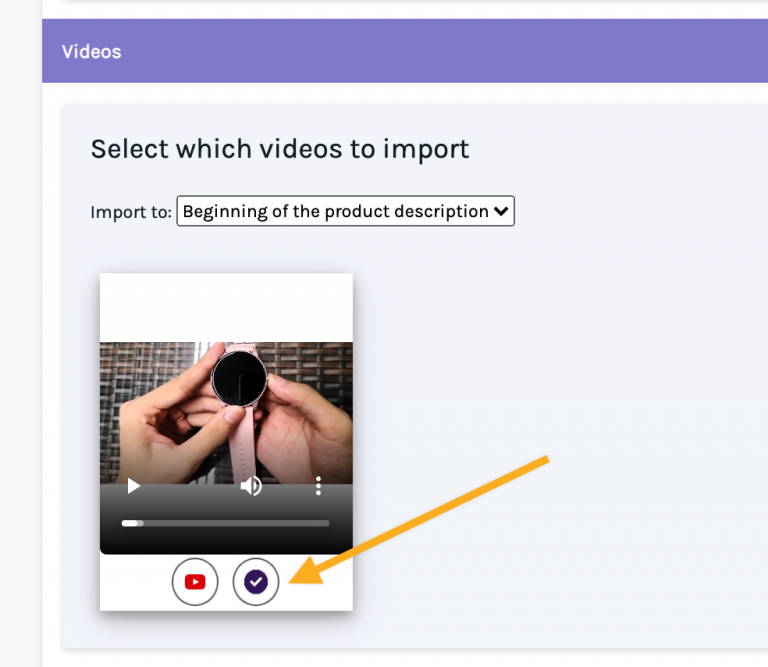
Select the video you want to import.
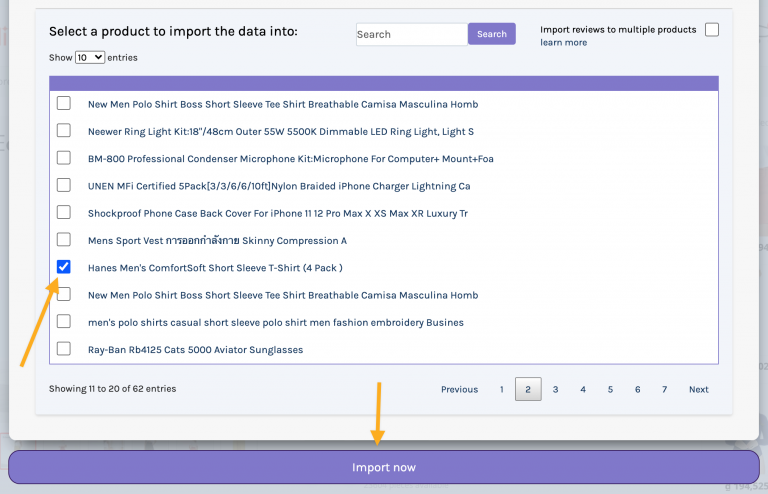
Choose the product in your store that should get the video.
Click the import button.
How to import videos to your Shopify store?
Video guides by marketplace
AliExpress: Shopify, WooCommerce, Wix (Gold or Diamond)
Alibaba: Shopify
DHgate: Shopify
Banggood: Shopify
Walmart: Shopify
Taobao: Shopify
WooCommerce, any marketplace: How to import reviews and videos to my WooCommerce store
FAQ
Can I import videos on the free plan?
No. The free plan imports text reviews only. Photo and video import start on Premium (videos on Gold on Wix); see How to change plan?
Can I import videos to a Wix store?
Yes, on the Gold or Diamond plan. On Wix, Premium covers reviews and images but not videos.
How do I remove a video I imported?
Still stuck? Contact support or email support@editorify.com.