 Editorify
Import reviews from Alibaba to your Shopify store
On this page
You can copy reviews from an Alibaba product page into your Shopify store with the Editorify Chrome extension: open the listing, scan it, tick the reviews you want and send them to a Shopify product. Alibaba is not included in the Free plan, so you need Premium ($9.95/month) or higher.
What to expect from Alibaba reviews
Alibaba is a wholesale marketplace, so most reviewers are business buyers. Their comments often cover order quantities, samples, packaging or how quickly the supplier replied, rather than the product itself. A shopper in your store gains nothing from a note about minimum order quantities, so pick the reviews that describe how the product looks, fits or works. Review photos come across too on any paid plan.
Import Alibaba reviews
Subscribe to Premium or a higher plan if you are on the Free plan. The Free plan imports from AliExpress only. See How to change plan.
Install the Editorify Chrome extension and sign in to your Editorify account.
Open the Alibaba product page you want to import reviews from and let it finish loading.
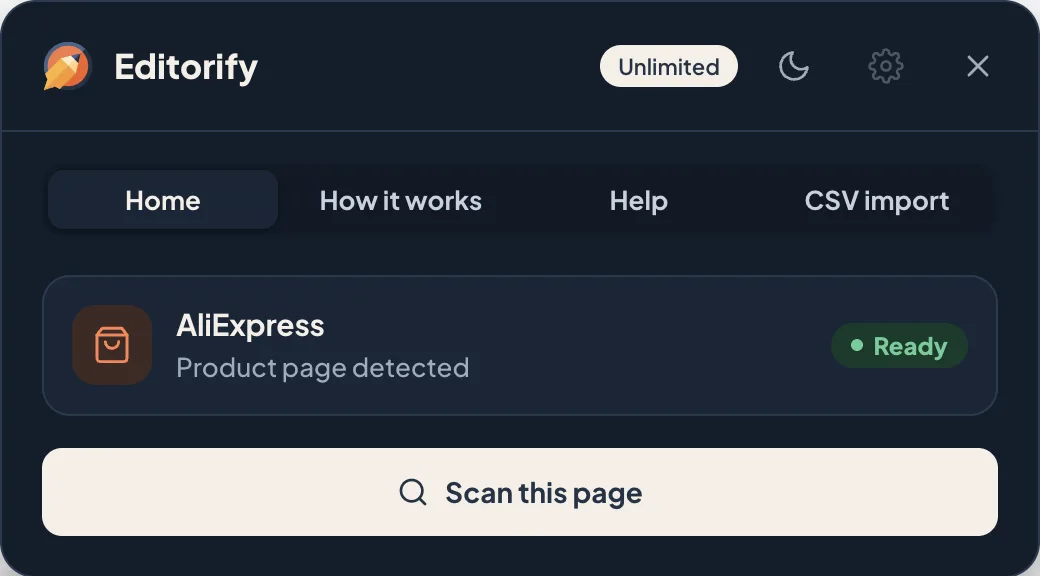
Click the Editorify icon in the Chrome toolbar, then click Scan this page.
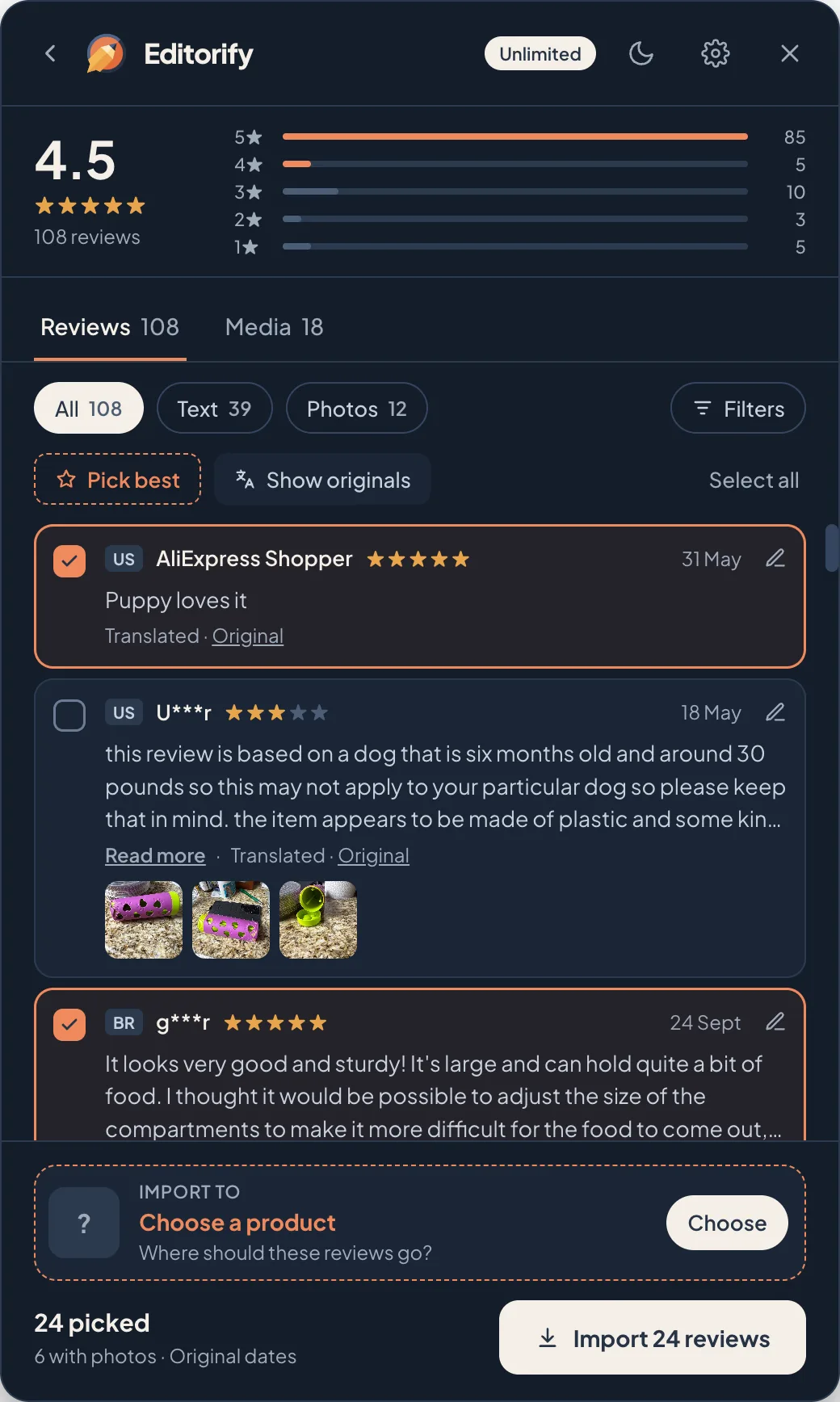
Pick the reviews in the review editor. Tick them one by one, or click Pick best to select every 4★ and 5★ review with text.
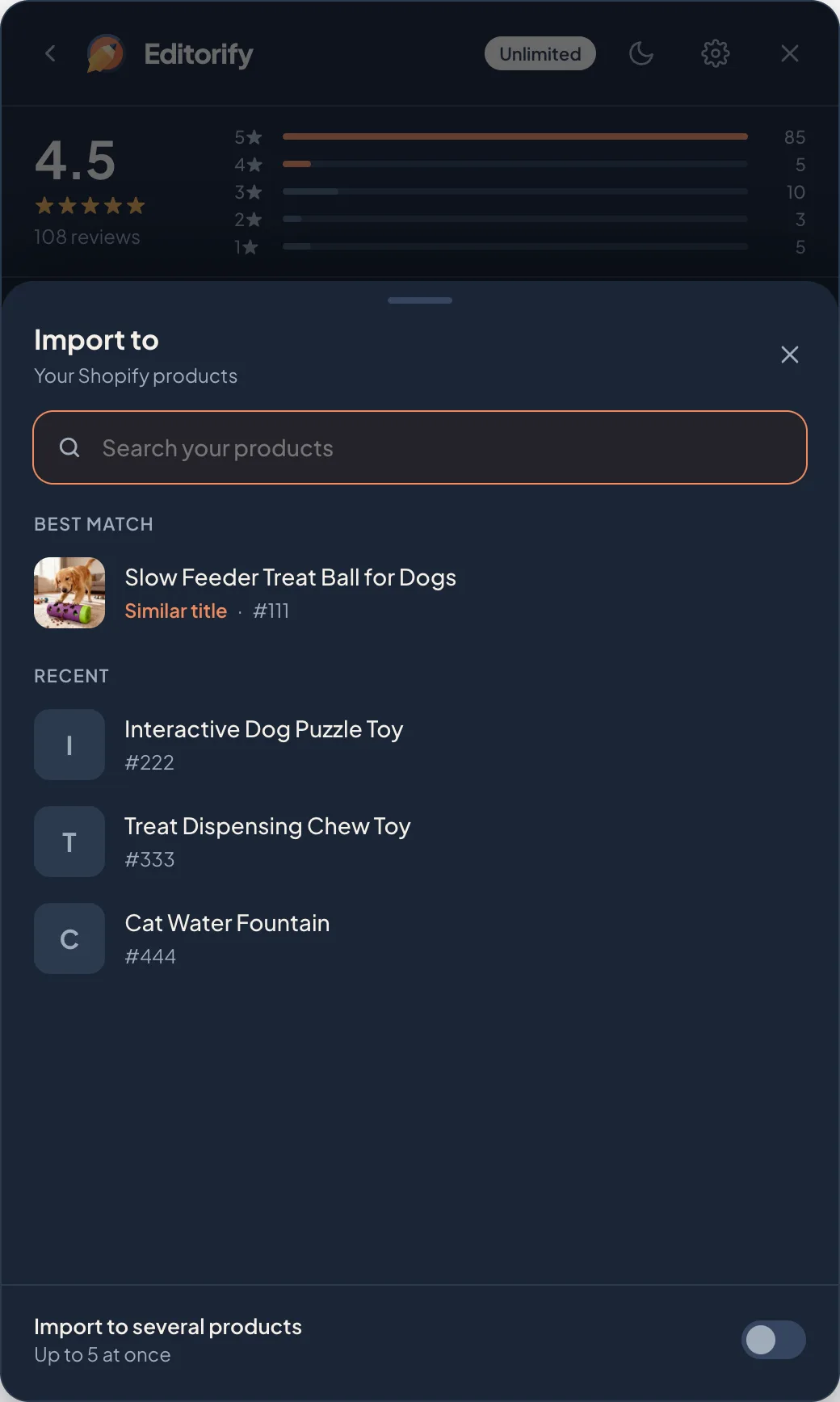
Click Choose in the Import to card and pick the Shopify product the reviews should go to. The closest title is listed first.
Click Import. The menu shows how many reviews were imported, with View product, Edit in Editorify and Dashboard.
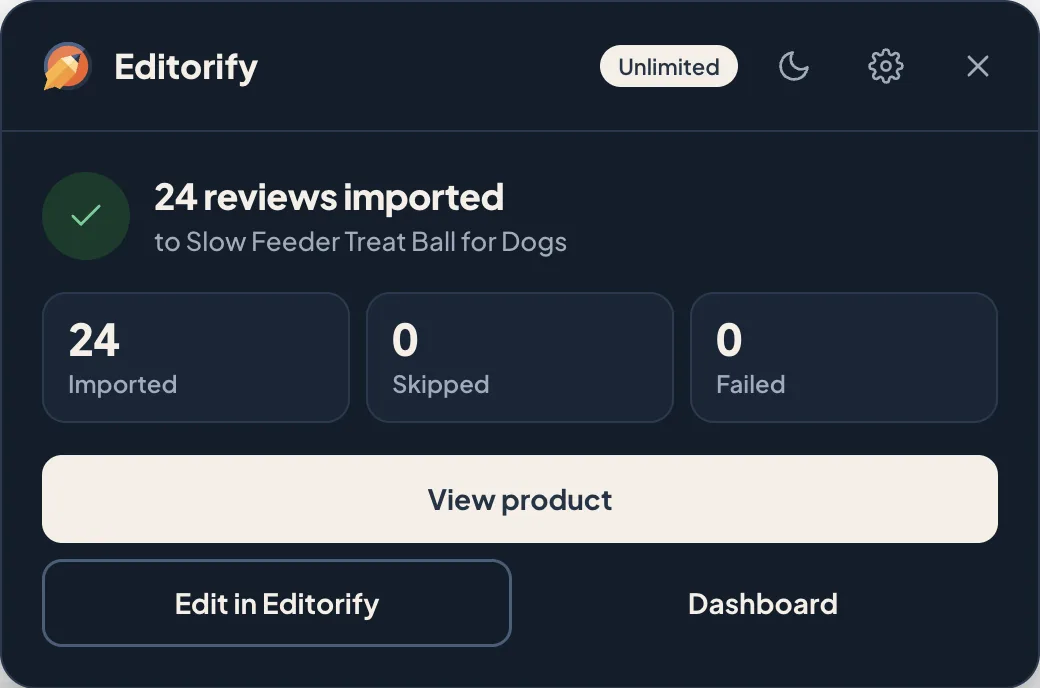
The screenshots show an AliExpress listing. The extension works the same way on Alibaba.
Every option in the review editor, including filters, editing and settings, is covered in How to pick, filter and edit reviews before you import.
Review photos and videos
Photos and videos that Alibaba buyers attached to their reviews import together with the review on paid plans. Click Photos in the review editor to see only the reviews that have them. They show on your product page inside the review they belong to. The supplier's own product video and images are on the Product media tab: see How to import videos to your store.
Tips for Alibaba
Reviews often name the supplier’s company. Add that name under Hide reviews with in Filters, or edit it out with the pencil before you import.
If you add Alibaba products with Importify, see the Importify integration to bring their reviews across with Editorify.
FAQ
Can I import Alibaba reviews on the Free plan?
No. The Free plan imports reviews from AliExpress only. Alibaba reviews and their photos and videos need Premium or a higher plan.
Can I fix a review before importing it?
Yes. Click the pencil on the review in the review editor to change the text, name, stars, date or country (paid plans). After import you can hide or delete it.
Still stuck? Contact support or email support@editorify.com.