 Editorify
How to translate reviews with AI before you import
Translate selected reviews into your store’s language in one click, inside the Editorify extension.
On this page
AI translation rewrites the reviews you select into your store's language before you import them. It runs inside the Editorify extension's review editor, takes one click, and is included with every paid plan: about 200 reviews a month on Premium and about 2,000 on Gold and Diamond.
When to use it
Use it when a listing's reviews are in another language: Chinese reviews on 1688 or Taobao, Portuguese and Spanish reviews on AliExpress, or a mix on DHgate. Your customers read reviews in your store's language, and a review they can't read does nothing for the sale.
Some marketplaces translate reviews themselves. On AliExpress, a card that says Translated already shows the marketplace's English version, and that is the text that imports. AI translation is for the reviews the marketplace leaves untranslated, and for stores that sell in a language other than English.
Before you start
A paid Editorify plan. On the Free plan the Translate button opens an upgrade prompt.
The Editorify Chrome extension, signed in to your Editorify account.
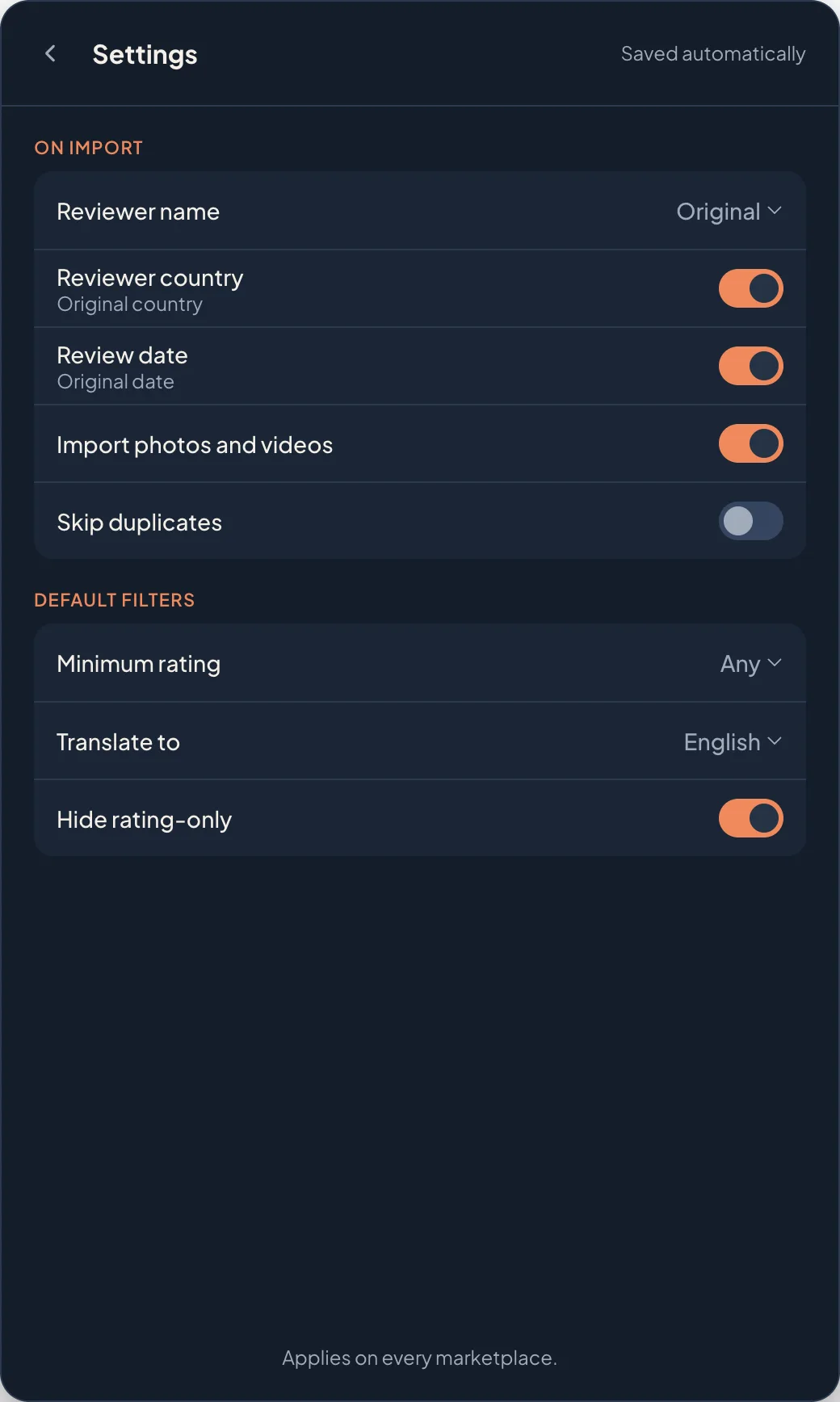
Your target language set in the review editor's Settings under Translate to. English is the default.
Translate reviews
Scan the product page and open the review editor. See how to pick and edit reviews.
Select the reviews you want to import.
Click Translate in the row under the filters. The button names the count and the language, for example Translate 12 to English. Reviews already in that language are skipped and don't count against your allowance.
Wait for Translating 10/12… to finish. Each card updates in place, and a message confirms, for example Translated 12 reviews to English.
Read a few. Use Show originals to compare with the original text, and the pencil to fix a word if needed.
Choose the store product and click Import. The translated text is what imports.
Languages
Reviews can be translated into 25 languages: English, Arabic, Bulgarian, Chinese (Simplified), Czech, Dutch, French, German, Hebrew, Hindi, Hungarian, Indonesian, Italian, Japanese, Korean, Polish, Portuguese, Romanian, Russian, Spanish, Swedish, Thai, Turkish, Ukrainian and Vietnamese. The original can be in any language.
Monthly allowance
| Plan | AI translation each month |
|---|---|
| Free | Not included |
| Premium | About 200 reviews |
| Gold and Diamond | About 2,000 reviews |
The allowance is counted in characters, so short reviews use less of it than long ones. After a translation, Settings shows what is left, for example 82% of this month's translations left. It resets on the 1st of each month.
If translation stops
| Message | What to do |
|---|---|
| You've used this month's AI translations. They reset on the 1st. | Wait for the 1st, or move up a plan for a larger allowance. |
| Select reviews that are not in English. | The selected reviews are already in your target language. Nothing needs translating. |
| Too many translations at once. Try again in a few minutes. | Wait a few minutes and click Translate again. |
| AI translation is paused for today. Try again tomorrow. | Translation is paused for the day. Try again tomorrow. |
| Sign in to Editorify to translate. | Sign in to your Editorify account in the same Chrome profile. |
| Translation isn't available right now. Try again later. | Try again later. Your picks stay selected. |
FAQ
Can I translate reviews after they are imported?
No. Translate in the review editor before you click Import.
Does the translation change the review's meaning?
It translates what the buyer wrote and keeps the stars, name, date and photos. Read a few before you import, and edit any line that reads oddly.
Who processes the text?
Editorify sends the review text, and nothing else, to OpenAI to translate it. See the privacy policy.
Is there another way to translate for free?
Yes. Right-click the marketplace page, choose Chrome's Translate to English, then scan. For Chinese marketplaces, see importing and translating Chinese reviews.
Still stuck? Contact support or email support@editorify.com.