 Editorify
Import reviews from Alibaba to your Wix store
On this page
You can bring Alibaba reviews into a Wix store with the Editorify Chrome extension: open the Alibaba product page, click the Editorify icon, select reviews and import them into a Wix product. Alibaba requires Premium ($9.95/month) or higher. Review text and photos import on Premium; product videos need Gold or Diamond.
Picking reviews from a wholesale site
Alibaba buyers are mostly businesses ordering in bulk, and their reviews often rate the supplier's communication, samples or minimum order quantity. Your Wix shoppers are buying one item, so select reviews that talk about the product. Supplier company names turn up often; hide them with the keyword blacklist.
Import Alibaba reviews
Subscribe to Premium or a higher plan if you are on the Free plan.
Install the Editorify Chrome extension.
Open the Alibaba product page you want to import reviews from.
Click the Editorify icon in the Chrome toolbar.
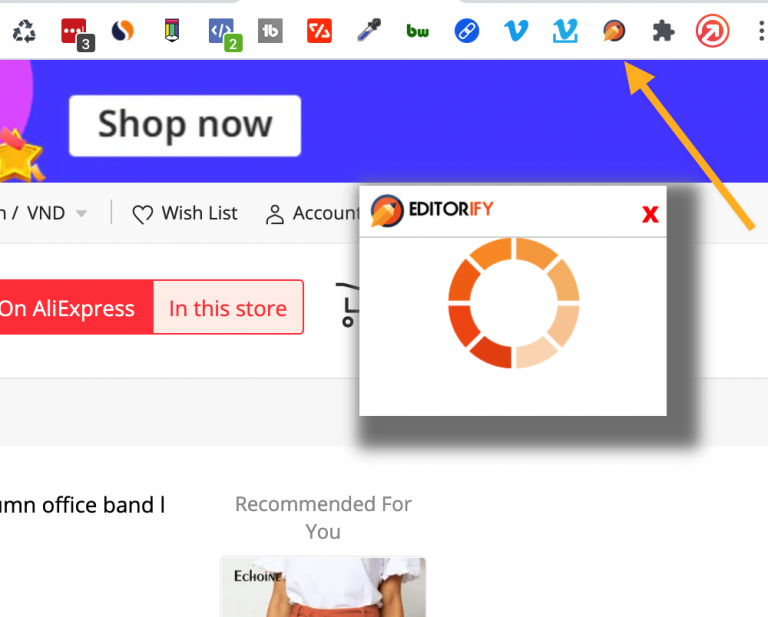
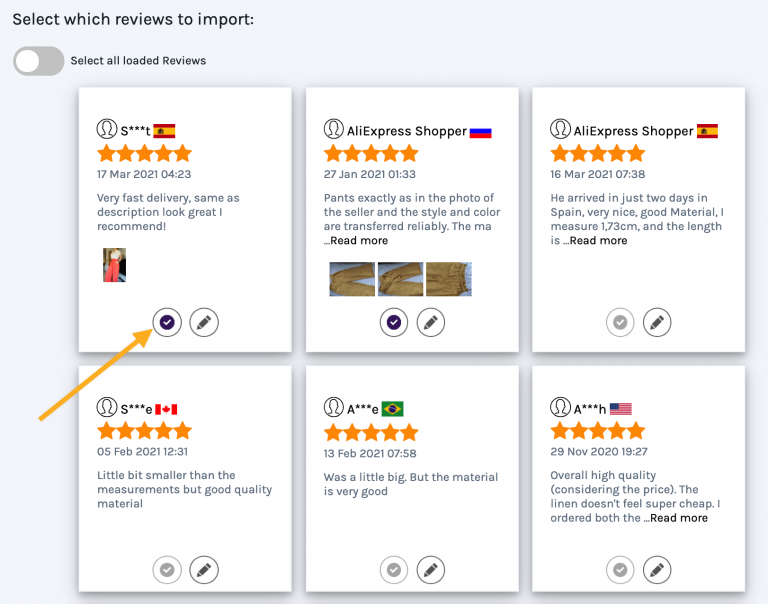
Select which reviews to import.
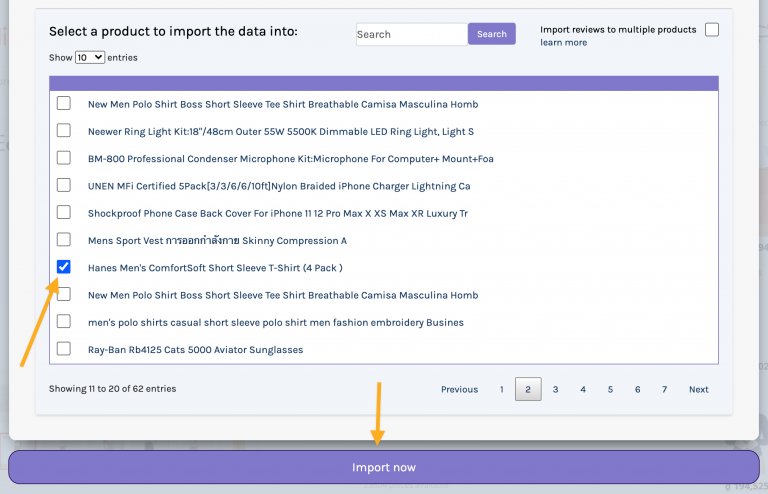
Choose the Wix product you want to import the reviews to, then click the import button.
How to import reviews from Alibaba to your Wix product page?
Import the product video (Gold or Diamond)
On Gold or Diamond, you can also import the Alibaba product video to your Wix product. See how to import videos to your store.
Wix notes
Your site needs the Wix Stores app and Editorify installed; see installing Editorify on Wix. The product list in step 6 comes from Wix Stores, so create the product there before you import.
FAQ
Can I import Alibaba product videos to Wix?
Yes, on the Gold or Diamond plan. Reviews and review photos import on Premium.
Can I import Alibaba reviews on the Free plan?
No. The Free plan covers AliExpress text reviews only.
Still stuck? Contact support or email support@editorify.com.