 Editorify
Extension messages and how to fix them
What each message in the Editorify Chrome extension means and what to do next.
On this page
The Editorify extension tells you in its own window when something stops an import: a sign-in, a plan limit, a page with no reviews or a connection problem. Find the message you see below for what it means and what to do. Your picks are kept in almost every case, so you rarely need to start over.
The menu does not open
Reload the page. The extension starts when a page loads. A page that was open before you installed or updated Editorify needs a reload.
Check the site. The extension imports from the 8 supported marketplaces. Open a product page there, not a search or category page.
Use Chrome. Importing needs the Chrome extension. Other browsers aren't supported.
Allow cookies. Editorify needs cookies to keep you signed in. See how to enable cookies in Chrome.
Sign-in messages
| Message | What it means | What to do |
|---|---|---|
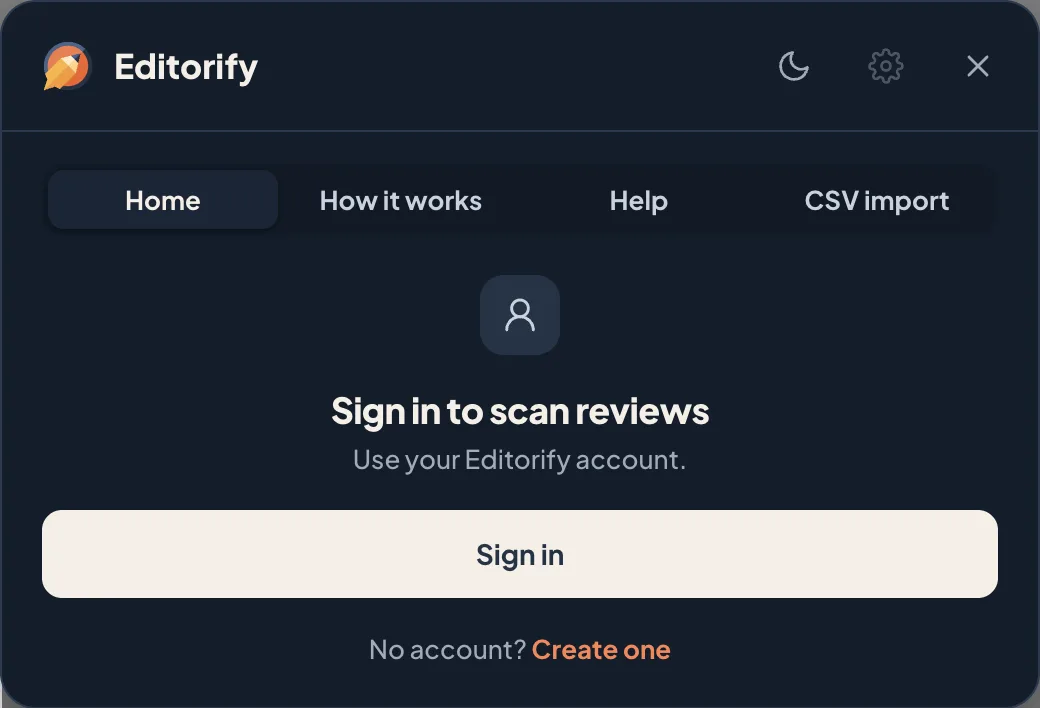
| Sign in to scan reviews | This Chrome profile isn't signed in to Editorify. | Click Sign in, sign in to your Editorify account, then click the Editorify icon again. |
| Session expired. Sign in again. Your picks are kept. | Your sign-in ran out during an import. | Click Sign in again, then Back to reviews and click Import. |
Scan messages
| Message | What it means | What to do |
|---|---|---|
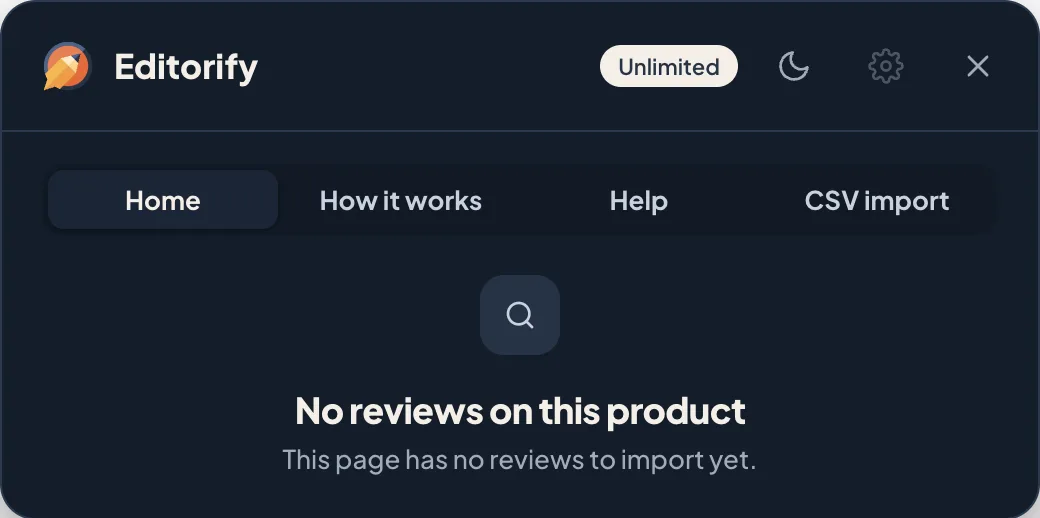
| No reviews on this product | The listing has no reviews yet. | Pick another listing of the same product, or check back later. |
| The store did not answer. Wait a minute, then scan again. | The marketplace didn't send its reviews, usually because it is slow or busy. | Wait a minute, reload the page and click Scan this page again. |
| No 4★ or 5★ reviews with text here. | You clicked Pick best, but no review matches. | Pick reviews by hand, or clear your filters. |
Plan messages
| Message | What it means | What to do |
|---|---|---|
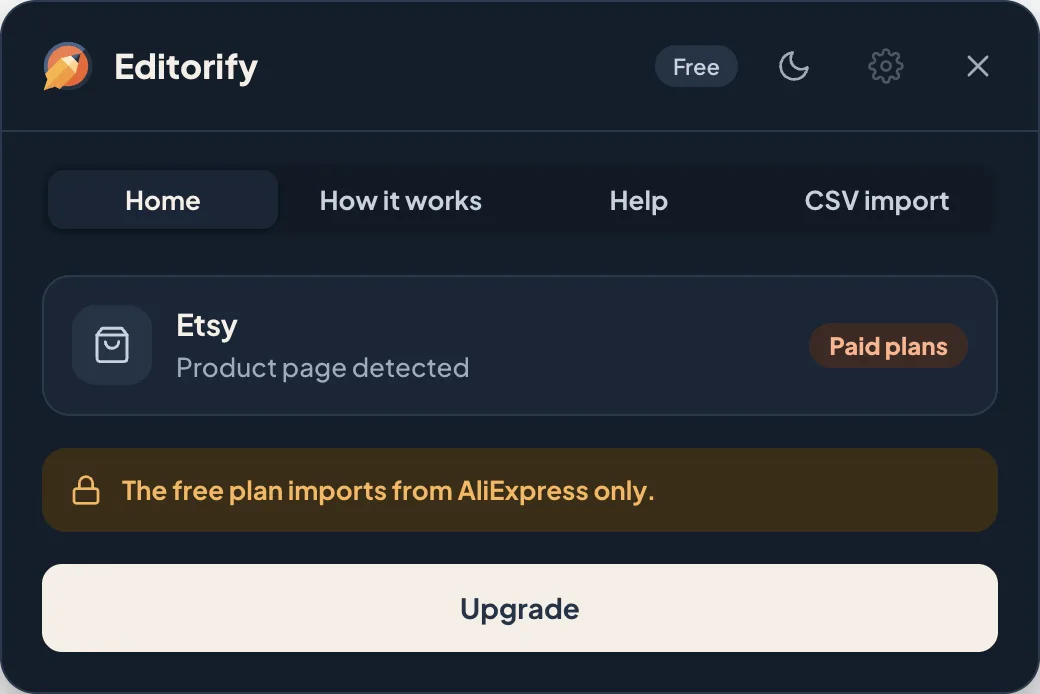
| The free plan imports from AliExpress only. | You are on the Free plan on another marketplace. | Import from AliExpress, or upgrade to Premium for all 8 marketplaces. |
| Your plan doesn't include this. Upgrade to keep importing. | Your current plan doesn't allow this import. | Open your plan in the Editorify dashboard. |
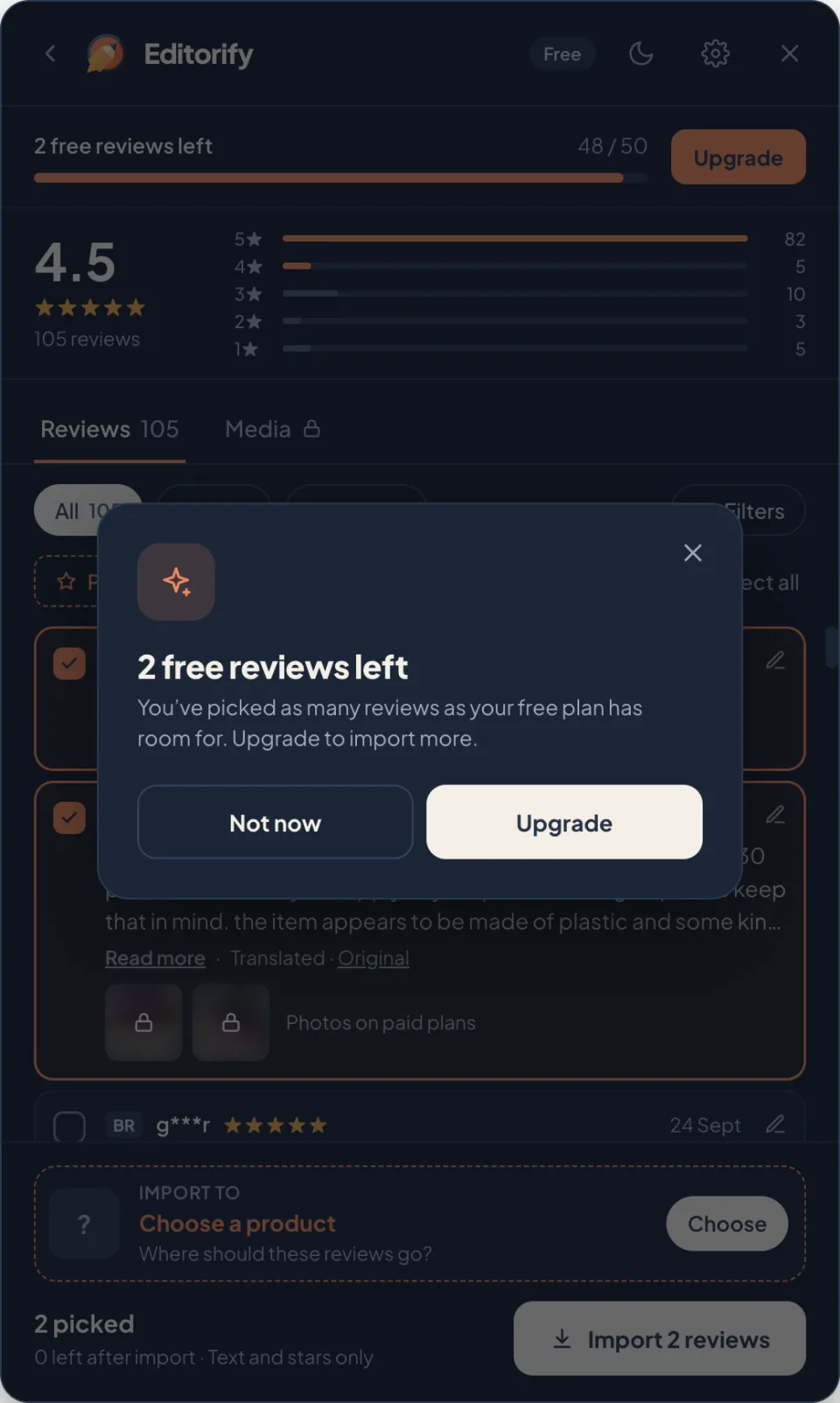
| 2 free reviews left. You've picked as many reviews as your free plan has room for. | The Free plan imports 50 reviews per store. | Import what fits, or upgrade for unlimited reviews. |
| Review photos and videos, Edit reviews, AI translation | Paid features, tried on the Free plan. | Click Upgrade, or Not now to keep going without them. |
| Import to several products | Sending reviews to several products is on Gold and above. | Upgrade to Gold, or import to one product at a time. |
Import messages
| Message | What it means | What to do |
|---|---|---|
| Choose a product in your store first. | No store product is chosen. | Pick one in the list that opens, then click Import. |
| Up to 5 products at once. | Import to several products takes 5 products at most. | Import in two rounds. |
| Couldn't reach Editorify. Check your connection. | The extension couldn't connect to Editorify. | Check your internet connection and click Try again. Your picks are kept. |
| The import failed. Nothing was imported. | Editorify couldn't save the reviews. | Click Try again in a few minutes. If it keeps failing, contact us. |
| 20 of 24 imported · 4 failed | Most reviews imported, a few did not. | Click Retry 4 failed. Only those are sent again. |
| Imported without photos | The reviews imported, but this marketplace's photos couldn't be copied. | Nothing to fix. The reviews are live without their photos. |
After the import
View product shows a 404 page. The product is probably a draft. On Shopify the button reads Preview draft for drafts; publish the product to give it a public page.
The reviews don't show on the product page. Make sure the Editorify widget is on your theme. See How to display reviews on your product page or, for Wix, reviews not showing in your Wix store.
Translation messages are listed in AI translation.
Still stuck?
Send us the product link, your store address and the exact message, and we'll take a look. See I have an issue to import, what to do next?
Still stuck? Contact support or email support@editorify.com.